We’re just a call away (+44) 01482 330 735

Garage Scheduling for Bays, Technicians & Bookings
GDS gives you a live diary that makes it easier to plan the day, protect capacity, and stop the workshop running on guesswork.
See bookings clearly, manage bays and technicians, and keep everything linked to the job sheet from the start.

How does Diary and Time Management work in GDS?
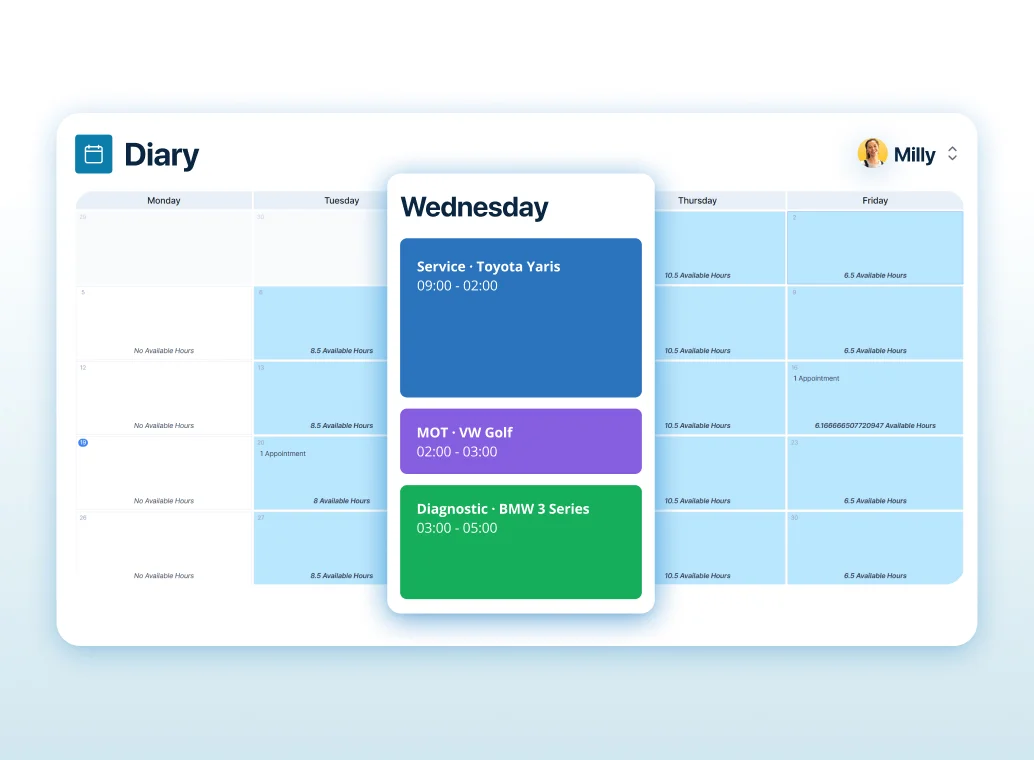
Smart Scheduling
Create and manage bookings quickly with a clear view of what’s coming in and when.
You can plan ahead without overloading the day, and make changes without the diary falling apart.
It’s built to keep the workshop flowing, not just filling slots.
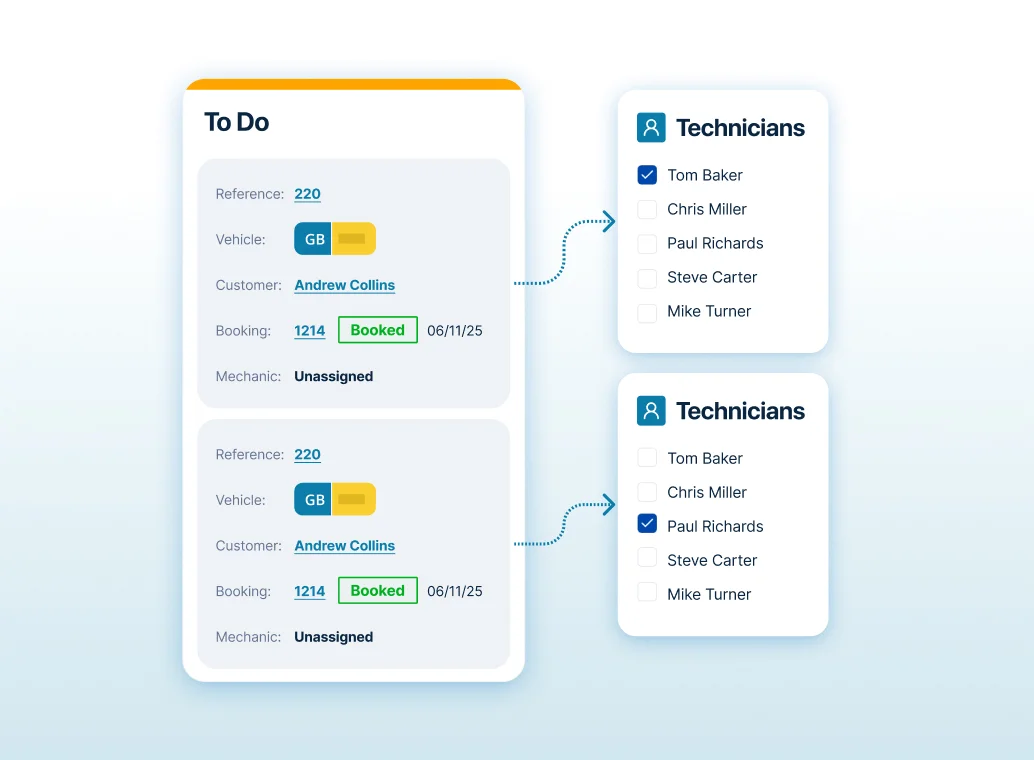
Assigned or Unassigned Views
Leave bookings unassigned and allocate them as the day fills up, or book them straight in against a specific technician.
Works for workshops that plan in stages, or teams juggling different skills and workloads.
It gives you room to plan as you go.
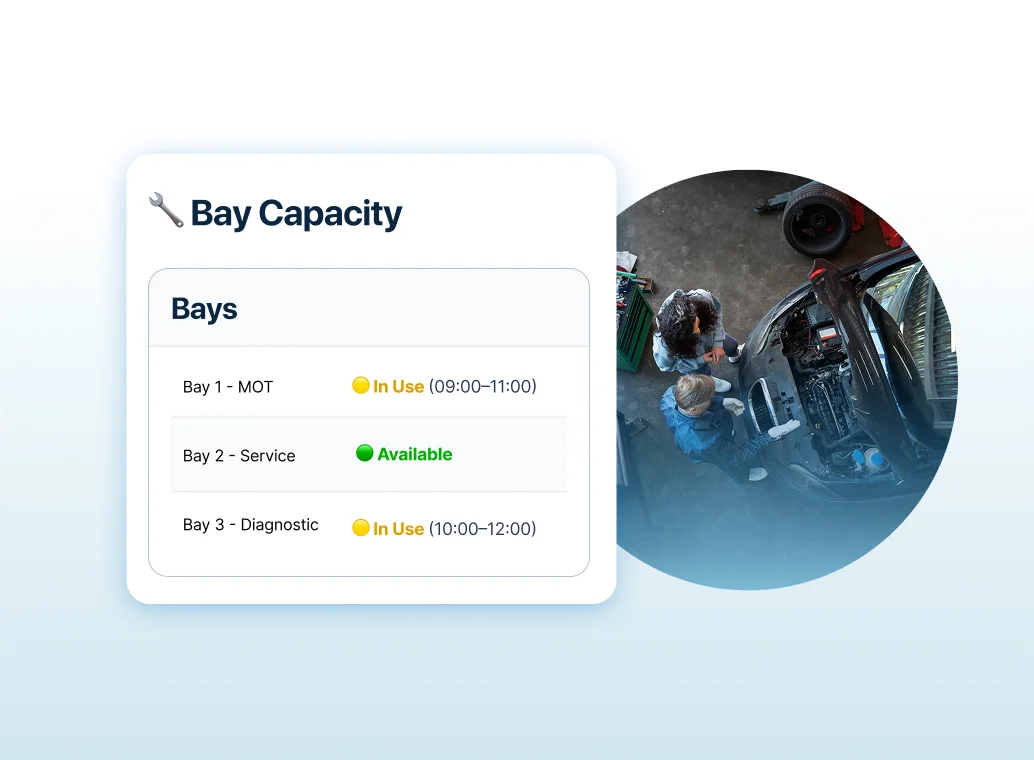
Workbays and Capacity Planning
Schedule against workbays so you can see true capacity, not just time in the diary.
That helps avoid overbooking, reduces bay clashes, and makes planning for longer jobs much easier
You can spot bottlenecks before they cause delays.
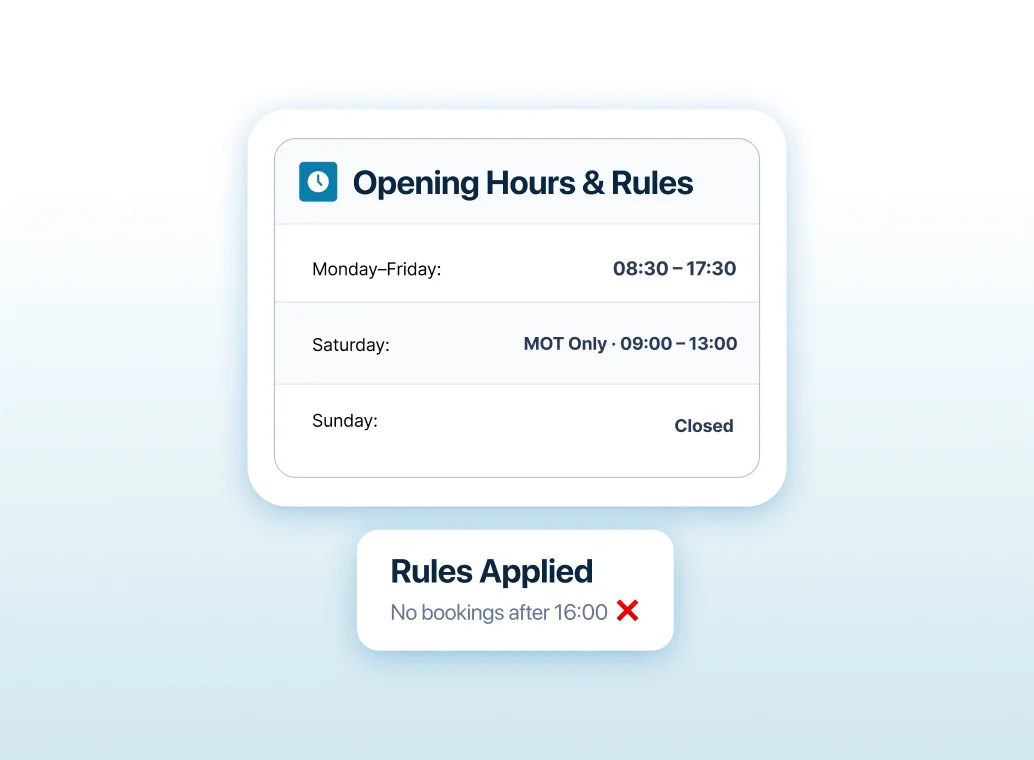
Opening Hours and Workshop Rules
Set your opening hours and working patterns so bookings fit the way your business actually runs.
No more squeezing jobs into time you don’t really have.
It helps your team plan realistically and deliver on time.
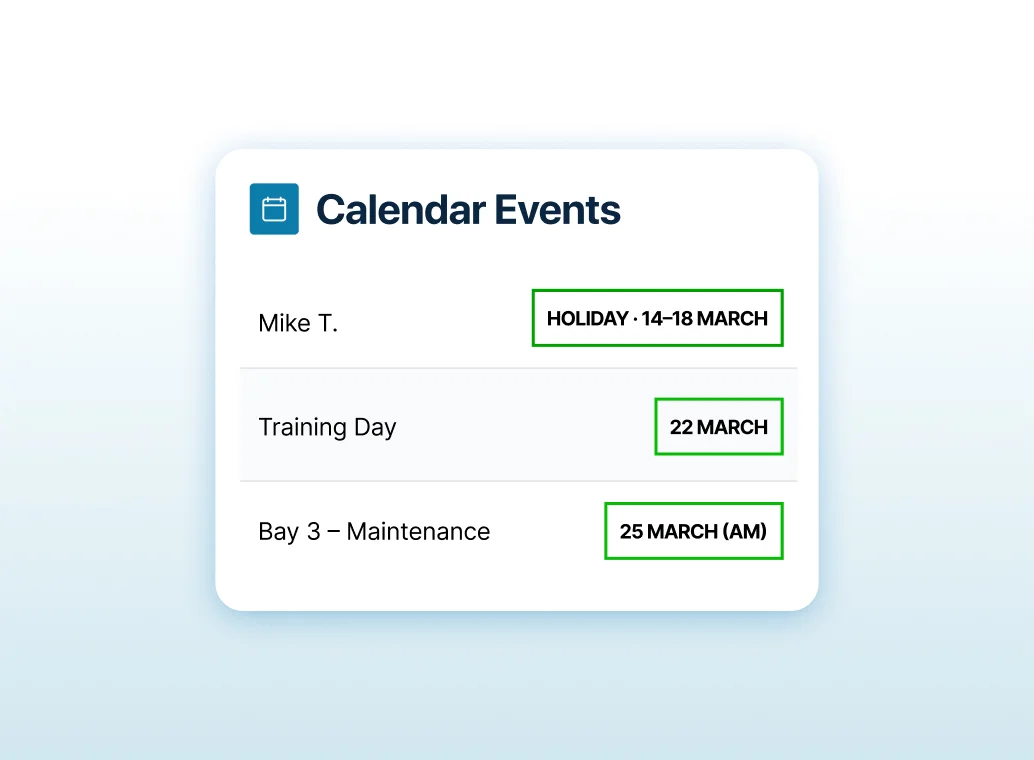
Events, Holidays and Downtime
Add holidays, closures, and internal events so the diary stays accurate.
Everyone knows what’s available and what isn’t, without relying on memory or last-minute messages.
It prevents the classic “we didn’t realise someone was off” problem.
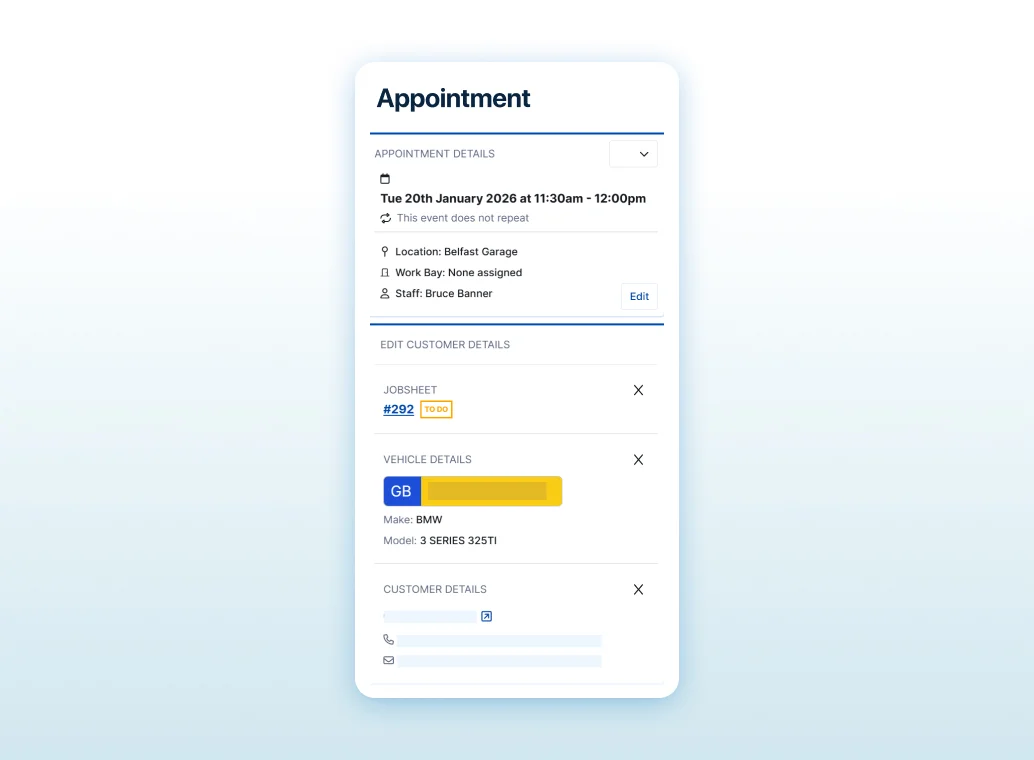
Booking Detail at a Glance
Whether at the front desk or through Connect, our online booking portal, each booking shows the key information, customer, vehicle, and job type, so your front desk can make decisions quickly.
You can see what’s booked, what it involves, and what needs attention before the car arrives.
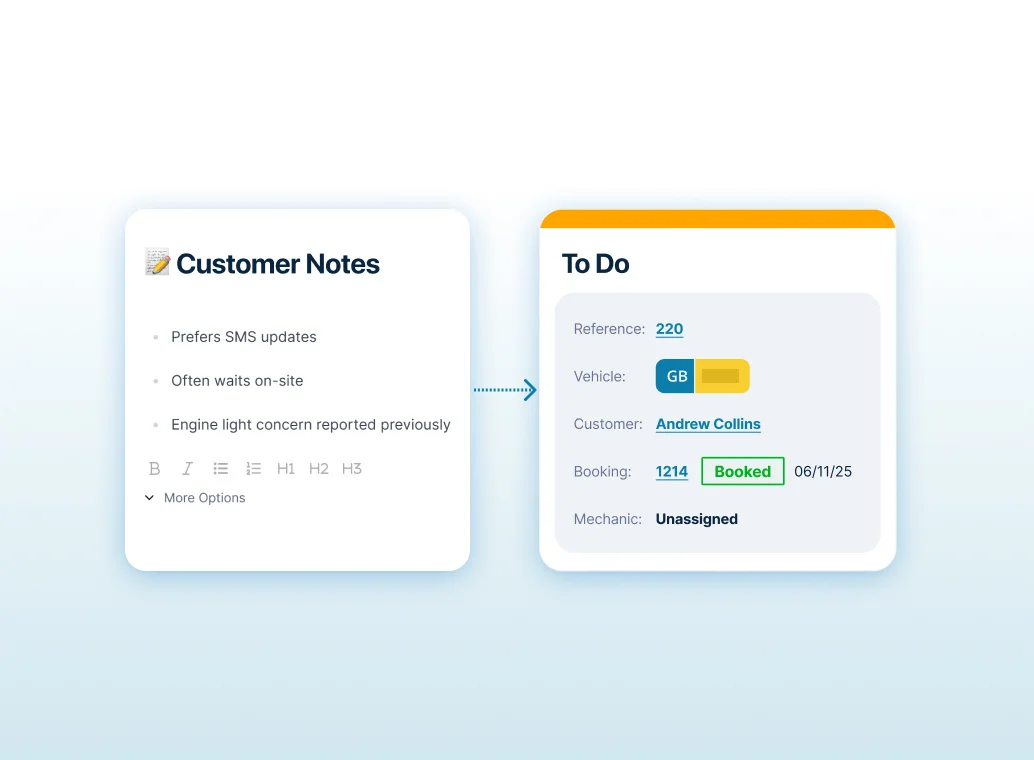
Notes That Carry Into the Job Sheet
Add notes at the booking stage and push them through to the job sheet automatically.
So the workshop gets the context they need, and nothing gets lost in a handover.
It reduces repeat questions and helps jobs start faster.
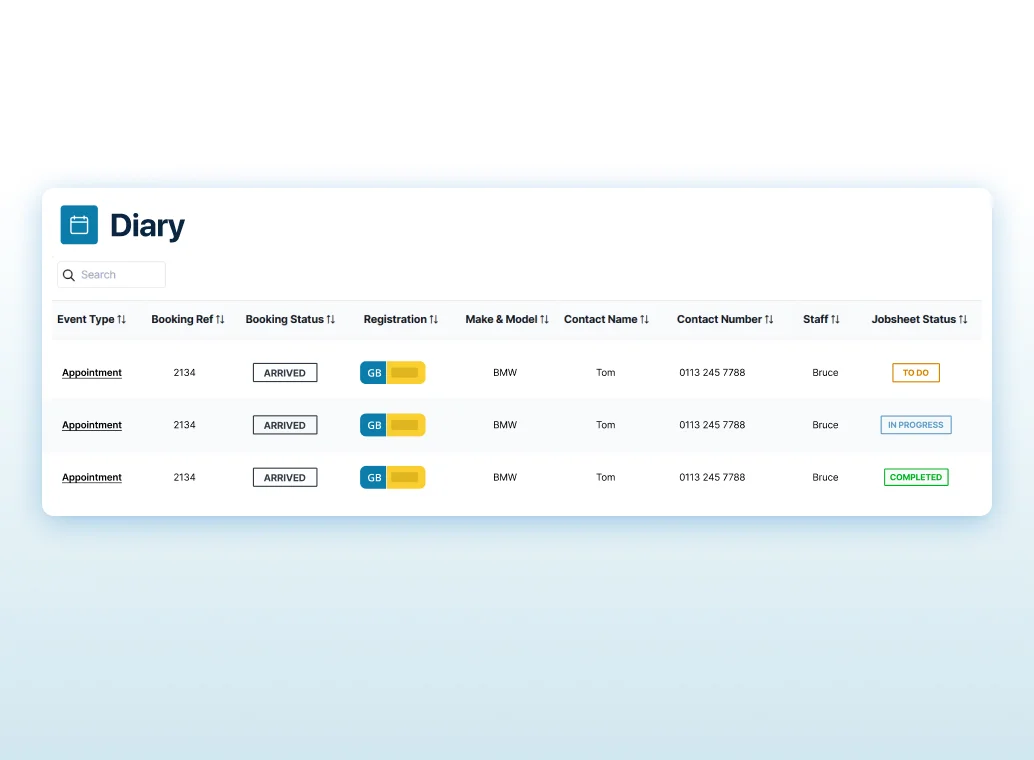
Job Status From the Moment It’s Booked
Track job sheet status from booking onwards, so you can see what’s confirmed, what’s awaiting parts, and what’s ready to start.
It gives you more control over the day and stops the diary becoming a list of unknowns.
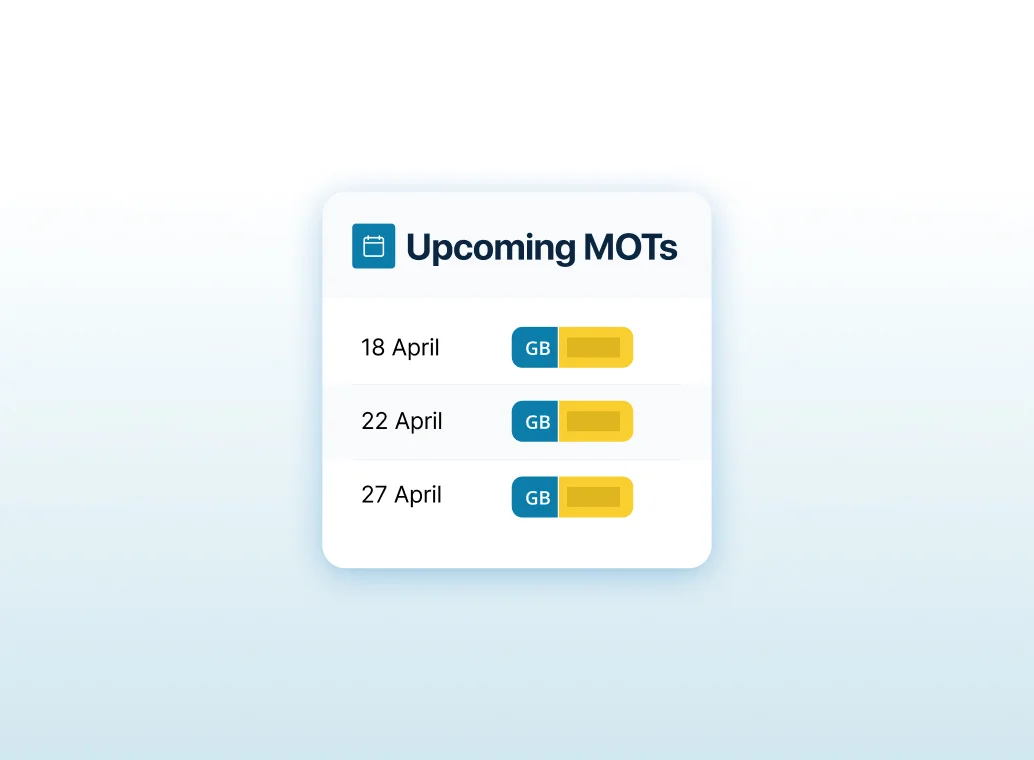
MOT Due Dates and Reminders
Keep MOT due dates visible and use reminders to bring customers back at the right time.
It helps you plan future workload, reduce gaps in the diary, and protect repeat business without extra admin.
A Better Way to Control the Day
Diary and time management in GDS turns scheduling into a live view of capacity, not a hopeful plan on a screen.
You reduce surprises, protect productivity, and keep the workshop running on time.

Based on 8,000+ reviews on

Our customers love us
Simon Belli
Managing Director, RSV

Claire
Workshop Manager, Autosteer

Craig Lane
Director, Sargent Leisure Services

Hollie
Director, RSV
Alice
Service Advisor, Jubilee Garage

Paul
Director, Jubilee Garage
JP
Vehicle Technician, JH Foreman

Got a question?
Our team can help you set up working hours, bays, views, and booking best practice.
We’ll make sure your diary and scheduling workflow is configured properly and working exactly as it should.